To get a podcast transcript on iPhone, check Apple Podcasts first: since iOS 17.4 it shows transcripts for many English, French, German and Spanish episodes. To transcribe your own episode, or one in another language, save the audio file to Files and import it into an app like Mangonote, which transcribes it on the iPhone and can turn it into show notes with AI.
Here’s both paths, plus a show-notes prompt you can copy.
For listeners: transcripts in Apple Podcasts
Apple announced transcripts for Apple Podcasts in March 2024, with iOS 17.4. According to Apple:
- They’re available for English, French, German and Spanish podcasts.
- You can read along, search an episode for a word or phrase, and tap the text to play from that point.
- New episodes get transcripts shortly after they’re published; older ones are transcribed over time.
- Transcripts don’t translate between languages.
If an episode has no transcript, it’s in another language, or you want to keep the text and work with it, transcribe the audio yourself.
For podcasters: transcribe an episode on iPhone
1. Get the audio file into Files
Export the final episode from your recording or editing app, or download the MP3 from your podcast host, then save it to the Files app. Mangonote imports MP3, M4A, WAV and other common formats; video podcasts work too, through + › Video from Photos.
2. Import and transcribe
In Mangonote, tap + › Audio and pick the file. The transcript is made on your iPhone, so unreleased episodes never leave your phone to be transcribed. For long episodes, keep the app open until processing is complete.
3. Fix names and jargon
Open the Transcript tab. Speech recognition is weakest on guest names, brand names and niche terms, so tap those lines and correct them. Mangonote transcripts don’t label speakers; add Host: and Guest: by hand if you’ll publish the transcript.
4. Turn the transcript into show notes
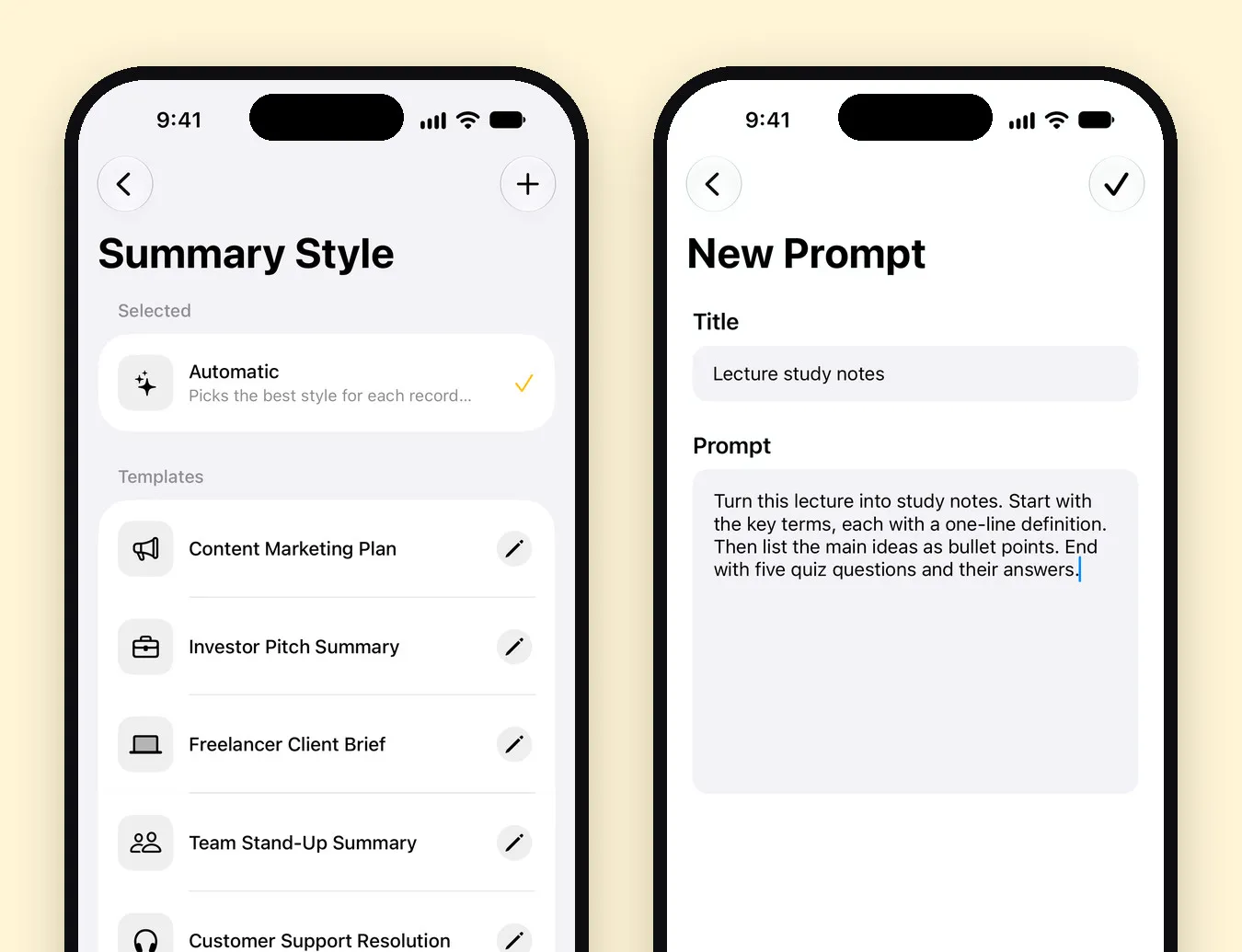
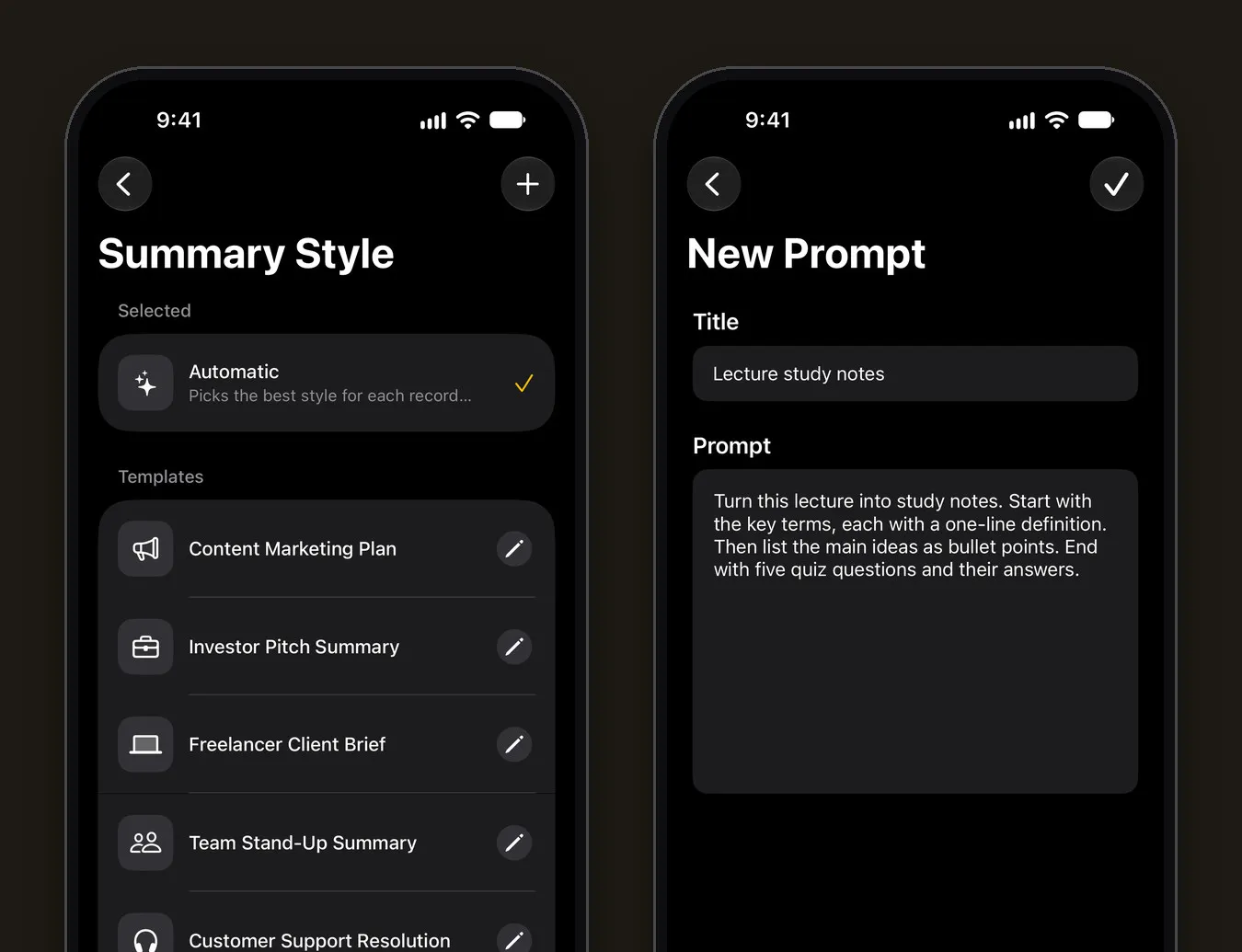
Save a show-notes prompt in Settings › Transcription & AI › Prompt › +:
Write podcast show notes. A two-sentence episode description, then the topics in the order they come up as bullet points, then a list of the people, books, tools and links mentioned. Keep the guest’s own wording for any quotes. Don’t invent links or facts.
Then tap Generate summary on the Note tab. Set Size to Detailed for long episodes.
5. Publish
Use the note’s menu (•••) › Share › Share Note Text for the show notes and Share Transcript Text for the full transcript, then paste them into your podcast host or website. Ask AI can help with the rest: “Suggest five episode titles”, “Write three social posts quoting the guest”, “Which moment would make the best short clip?”
Why publish a transcript at all?
- Accessibility: people who are deaf or hard of hearing, or who prefer reading, can follow the episode.
- Search: a transcript gives search engines and AI assistants text to understand and quote.
- Reuse: quotes, blog posts and newsletters start from the transcript.
Tips for cleaner podcast transcripts
- Transcribe the final mix, not raw tracks with music beds over speech.
- Pick the language in Mangonote if the episode isn’t in your usual one.
- Use the right model for your language; our Whisper guide explains the options.
Related guides
- How to transcribe an audio file on iPhone
- How to transcribe an interview
- How to summarize a recording with AI
Frequently asked questions
Does Apple Podcasts have transcripts?
Yes. Apple introduced transcripts in Apple Podcasts with iOS 17.4, for English, French, German and Spanish podcasts. You can read along, search an episode and tap the text to jump to that moment.
How do I transcribe my own podcast episode on iPhone?
Save the episode's audio to the Files app, then import it into Mangonote with + › Audio. It's transcribed on the iPhone, and AI can turn the transcript into show notes.
Can Mangonote label the host and guest?
No. The transcript has timestamps but no speaker labels. Add names by editing lines, or ask AI to draft show notes without speaker attribution.
Can I get an SRT subtitle file?
Not from Mangonote. It exports text, PDF and Markdown. If you need captions for a video podcast, use a tool that exports SRT.
How long can an episode be?
Mangonote recommends audio under 2 hours for the most reliable results. The free plan has a shorter limit per file; Mangonote Plus removes it.
Start capturing the thoughts you keep losing
Download Mangonote, record your first note, and watch it become searchable text in seconds, right on your iPhone.