Whisper is OpenAI’s open-source speech recognition model, and it can run entirely on an iPhone, so you can transcribe without an internet connection. Mangonote ships a multilingual Whisper model inside the app: it covers 99 languages, detects which one you’re speaking, and never sends your audio anywhere. For English-only recordings there’s a downloadable Whisper English model, and for some languages another on-device model does better.
Here’s what Whisper is, how it runs on a phone, and how to pick the right model.
What is Whisper?
Whisper is a general-purpose speech recognition model that OpenAI released in September 2022 (OpenAI). The key facts:
- Open source. Its code and model weights are released under the MIT license (GitHub), so apps can run it themselves.
- Trained on a lot of audio. 680,000 hours of multilingual and multitask data collected from the web, according to the research paper, Robust Speech Recognition via Large-Scale Weak Supervision.
- Multilingual. It transcribes 99 languages, can detect the language itself, and can translate speech into English.
- Uneven across languages. OpenAI’s own documentation says performance “varies widely depending on the language”. Widely spoken languages with lots of training data do best.
Whisper comes in several sizes. Bigger models are more accurate but slower and need more memory:
| Model | Parameters | English-only version |
|---|---|---|
| tiny | 39 M | Yes |
| base | 74 M | Yes |
| small | 244 M | Yes |
| medium | 769 M | Yes |
| large | 1,550 M | No |
| turbo | 809 M | No |
Source: openai/whisper on GitHub.
Can Whisper run on an iPhone without internet?
Yes. The smaller Whisper models fit comfortably on a phone, and Apple’s chips can run them quickly. Mangonote uses WhisperKit, an open-source framework from Argmax that runs Whisper on Apple devices with Core ML.
Running on the device has three practical effects:
- It works offline. Whisper Multilingual is bundled with Mangonote, so transcription works from the first launch, in airplane mode, in a basement lecture hall.
- Your audio stays on the iPhone. Nothing is uploaded to be transcribed, not to OpenAI and not to Mangonote. (With iCloud sync on, recordings are kept in your own iCloud.)
- It isn’t the biggest Whisper. A phone-sized model trades some accuracy for speed and size compared with the large models running on servers. That’s why it’s worth knowing the alternatives below.
How do you use Whisper in Mangonote?
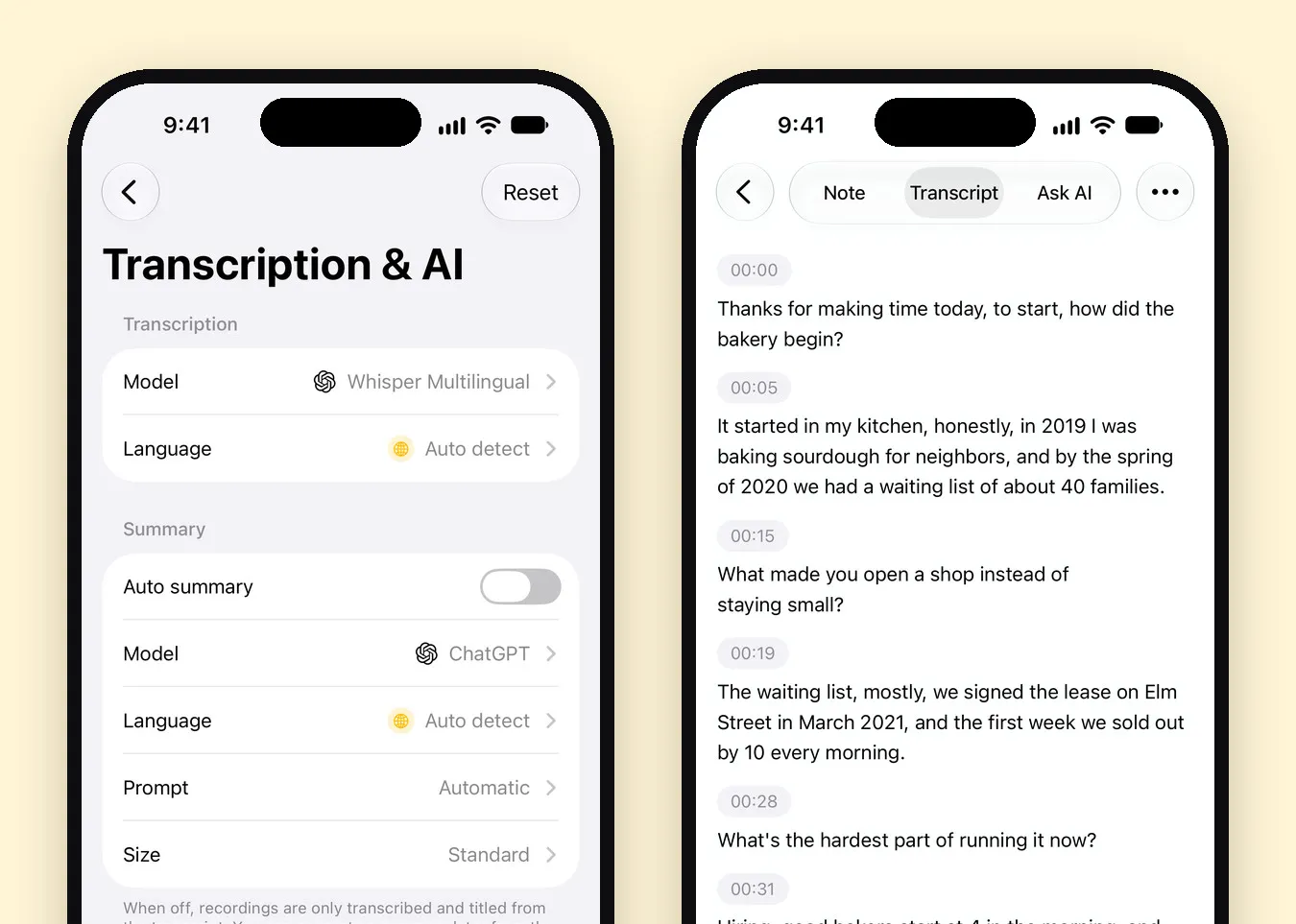
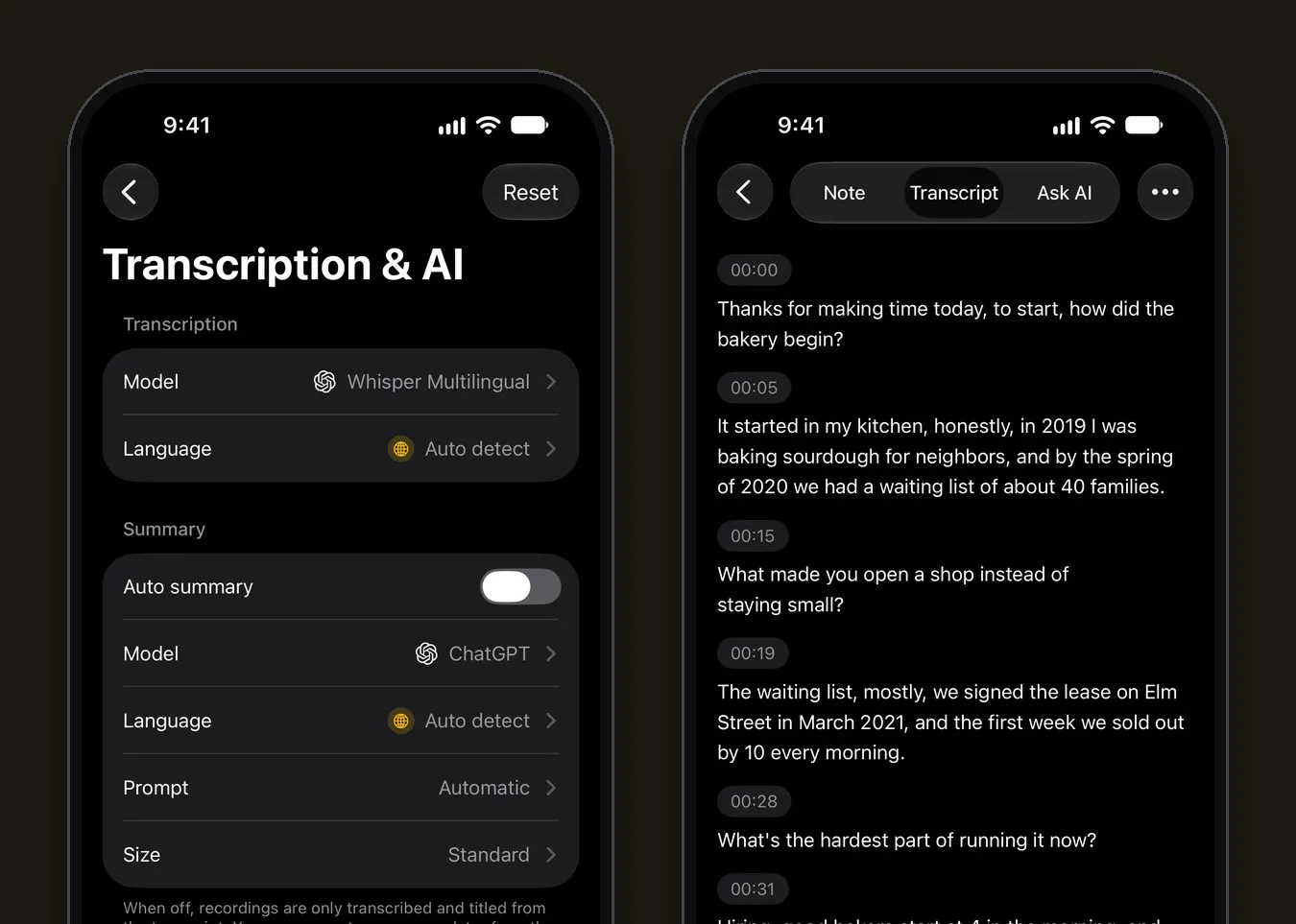
- Open Settings › Transcription & AI › Model.
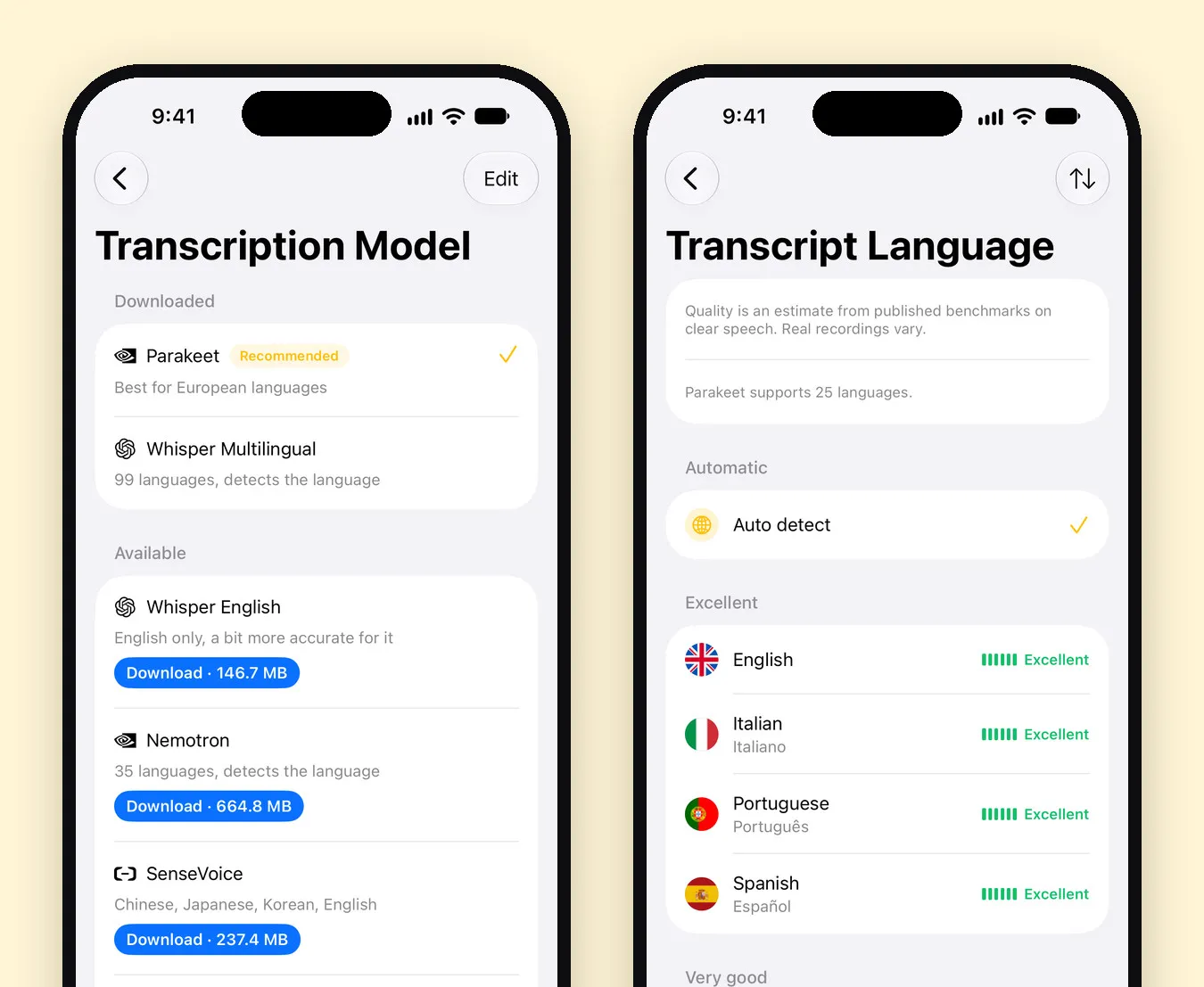
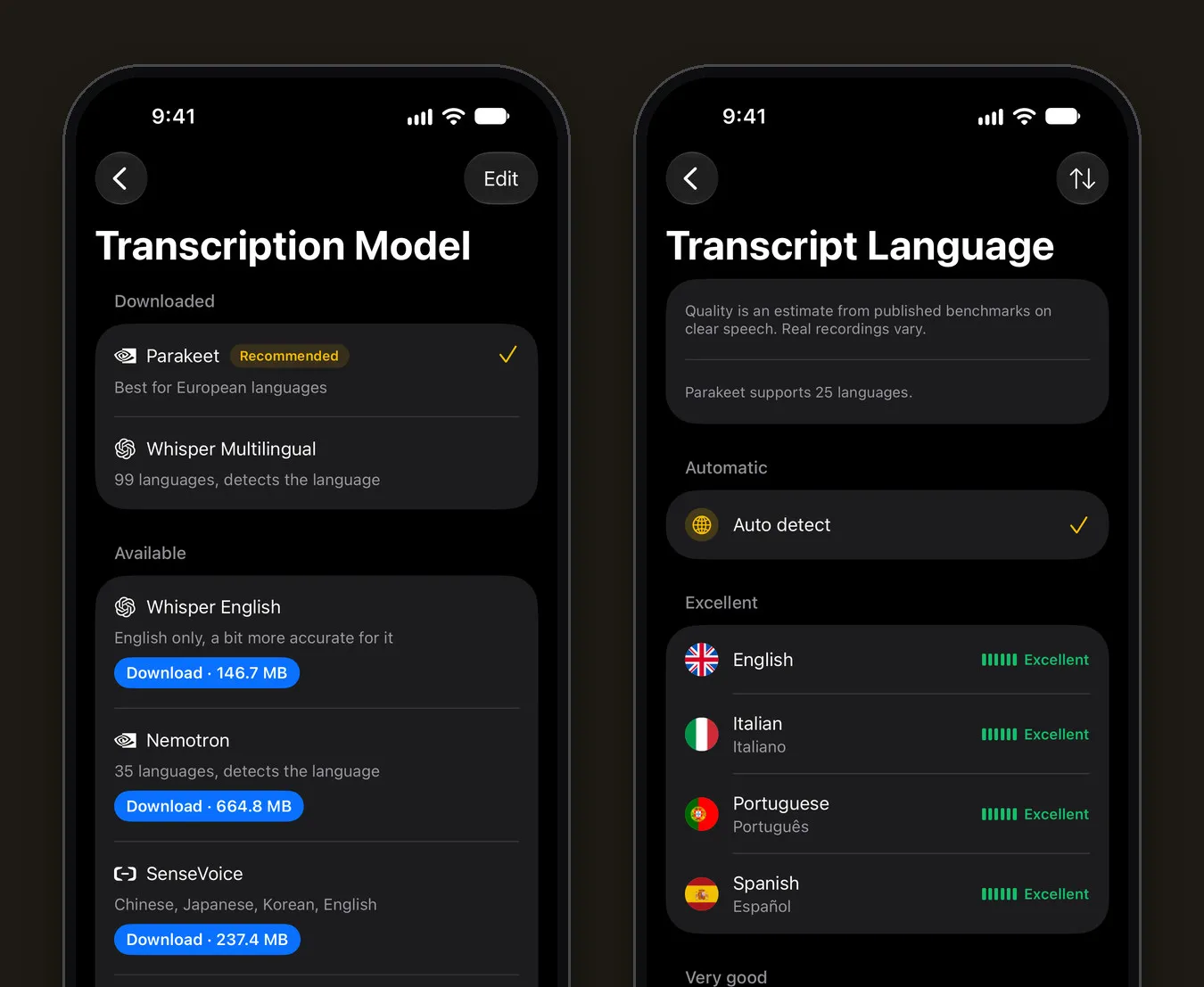
- Tap Whisper Multilingual (built in, nothing to download), or tap Download next to Whisper English (146.7 MB) if you only record in English.
- Go back and tap Language. Pick the language you’ll speak, or keep Auto detect.
- Record with Start Recording, or import audio or video with +. New transcripts now use Whisper.
You can remove downloaded models later with Edit on the same screen.
Whisper vs. the other on-device models
Mangonote has several speech models, and all of them run on the iPhone. This is what the app’s model picker says about each:
| Model | Languages | Size | Good for |
|---|---|---|---|
| Whisper Multilingual | 99, detects the language | Built in | Most languages, mixed-language libraries, older iPhones |
| Whisper English | English only | 146.7 MB | English recordings, “a bit more accurate” than Multilingual for English |
| Parakeet (NVIDIA) | 25 European languages | Built in | The recommended default on iPhone 12 and newer: fast, runs on the Neural Engine |
| Nemotron (NVIDIA) | 35, detects the language | 664.8 MB | More languages on the Neural Engine |
| SenseVoice | Chinese, Japanese, Korean, English | 237.4 MB | East Asian languages |
| Omnilingual (Meta) | Up to 1,600 | 365.4 MB | Languages other models don’t cover, including rare ones |
| Apple Speech | Apple’s supported languages | Built into iOS 26 | Using the iPhone’s own recognition |
The language counts for Parakeet and Omnilingual come from their makers: NVIDIA describes Parakeet TDT 0.6B v3 as covering 25 European languages, and Meta’s Omnilingual ASR covers more than 1,600.
How to pick
- Open the Language list first. Every language shows a quality mark for the selected model, from Excellent to Weak. The app notes that these are estimates from published benchmarks on clear speech, and real recordings vary.
- English only? Try Whisper English or Parakeet.
- A European language? Parakeet is the default for a reason; switch to Whisper if names or jargon come out wrong.
- Anything else, or several languages? Whisper Multilingual.
- A language none of them list? Omnilingual.
What did Whisper get right in our tests?
We imported three sample recordings into Mangonote with Whisper Multilingual selected: a short voice memo, a two-person interview and a lecture video.
- Numbers and dates were right: “Saturday, April 12th, at 9 a.m.”, “in 2019”, “about 40 families”, “March 2021”.
- Technical terms were mostly right: ATP, NADPH and the Calvin cycle came through; “thylakoid” was spelled “thylacoid”.
- A few words slipped: “plot fees” became “Tlot fees”, and “lead with” became “led with”.
- Punctuation was sometimes merged: two sentences joined with a comma.
That’s a fair picture of on-device transcription in general: very usable, and worth a quick check before you quote or share.
Whisper’s known limits
- No speaker labels. Whisper writes what was said, not who said it.
- It can occasionally invent text. Researchers have found that Whisper sometimes writes words nobody spoke; the Associated Press reported on it in 2024. Mangonote keeps the audio with every transcript and timestamps every line, so you can check anything that looks odd.
- Accuracy depends on the language and on the recording: distance from the speaker, background noise and crosstalk matter as much as the model.
Related guides
- Offline voice transcription on iPhone: how Mangonote works
- How to transcribe an interview
- How to transcribe voice memos on iPhone
- How to Transcribe Spanish Audio on iPhone (and Other Languages)
Frequently asked questions
What is Whisper?
Whisper is a speech recognition model from OpenAI, released in September 2022. Its code and model weights are open source under the MIT license, and it was trained on 680,000 hours of multilingual audio.
Can Whisper run on an iPhone without internet?
Yes. Smaller Whisper models are compact enough to run on the iPhone itself. Mangonote ships Whisper Multilingual inside the app, so transcription works offline from the first launch.
Does using Whisper in Mangonote send my audio to OpenAI?
No. Whisper runs on your iPhone, so the audio isn't sent to OpenAI, to Mangonote or to any other service. AI summaries are separate and optional; they send only the transcript text to the AI model you pick, after you agree.
How many languages does Whisper support?
Whisper handles 99 languages and can detect which one is being spoken. OpenAI notes that accuracy varies widely by language.
Is Whisper free?
The model is free and open source. In Mangonote, Whisper Multilingual is built in and Whisper English is a free download; the app's free plan has daily limits, and Mangonote Plus removes them.
Which is better on iPhone, Whisper or Parakeet?
It depends on your language. Parakeet is Mangonote's recommended default for 25 European languages on iPhone 12 and newer. Whisper covers 99 languages and works on every iPhone the app supports. The language list in the app shows the expected quality of each model per language.
Start capturing the thoughts you keep losing
Download Mangonote, record your first note, and watch it become searchable text in seconds, right on your iPhone.