The best Otter.ai alternative depends on why you’re leaving. If you need a bot that joins Zoom, Teams and Google Meet, look at Fireflies or Notta. If you take meeting notes on a computer and don’t want a bot, try Granola. If you mostly record in person on your iPhone (lectures, interviews, meetings in a room, voice memos) and want the audio transcribed on the device, offline and without an account, Mangonote is built for that.
We make Mangonote. Otter facts below come from Otter’s own pricing page, privacy page and App Store listing, as of 13 November 2026.
Mangonote vs. Otter at a glance
| Mangonote | Otter | |
|---|---|---|
| Where speech becomes text | On the iPhone | Not stated on Otter’s pricing or App Store pages |
| Works offline | Yes, recording and transcription | Not stated on those pages |
| Joins Zoom, Teams, Google Meet | No | Yes |
| Live transcript while recording | No; transcribed when you stop | Yes |
| Speaker labels | No | Yes |
| Languages | About 100 (Whisper), up to 1,600 (Omnilingual) | 6 listed on the pricing page (4 in the App Store) |
| AI summaries | Yes, with styles, sizes and your own prompts | Yes |
| Chat about notes | Ask AI, free plan 5 messages a day | AI chat, Basic plan 20 per month |
| Choice of AI model | Yes: OpenAI, Anthropic, Google, DeepSeek | Not offered on the pages we read |
| Account | Not needed | Not stated on the pages we read |
| File import (free plan) | Yes, within the free plan’s limits | 3 imports in total |
| Free plan length | Per-recording limit, daily minutes | 300 min/month, 30 min per conversation |
| Export | Text, PDF, audio, all notes as Markdown | Basic: MP3 and TXT |
| Paid plan | Mangonote Plus (App Store) | Pro $16.99/month or $99.99/year (US App Store) |
Where Otter is the better pick
Be honest with yourself about this part:
- Online meetings, hands-off. Otter joins your Zoom, Teams or Meet calls and transcribes them. Mangonote can’t; you’d have to record the call yourself and import the file.
- Live transcription. Otter shows the text as people speak. Mangonote transcribes after you stop.
- Who said what. Otter labels speakers. Mangonote’s transcripts don’t.
- Team workspaces. Otter is built for sharing conversations across a team.
If those are what you use Otter for, stay with Otter, or compare it with Fireflies and Notta in our AI note taker comparison.
Where Mangonote fits better
- Your audio stays on your iPhone. Speech is transcribed on the device and isn’t uploaded to be transcribed. AI is optional and gets only the note’s text, after you agree; you can turn it off entirely. See 7 privacy questions to ask any AI note taker.
- It works offline. On a plane, in a basement lecture hall or in a meeting room with bad Wi-Fi.
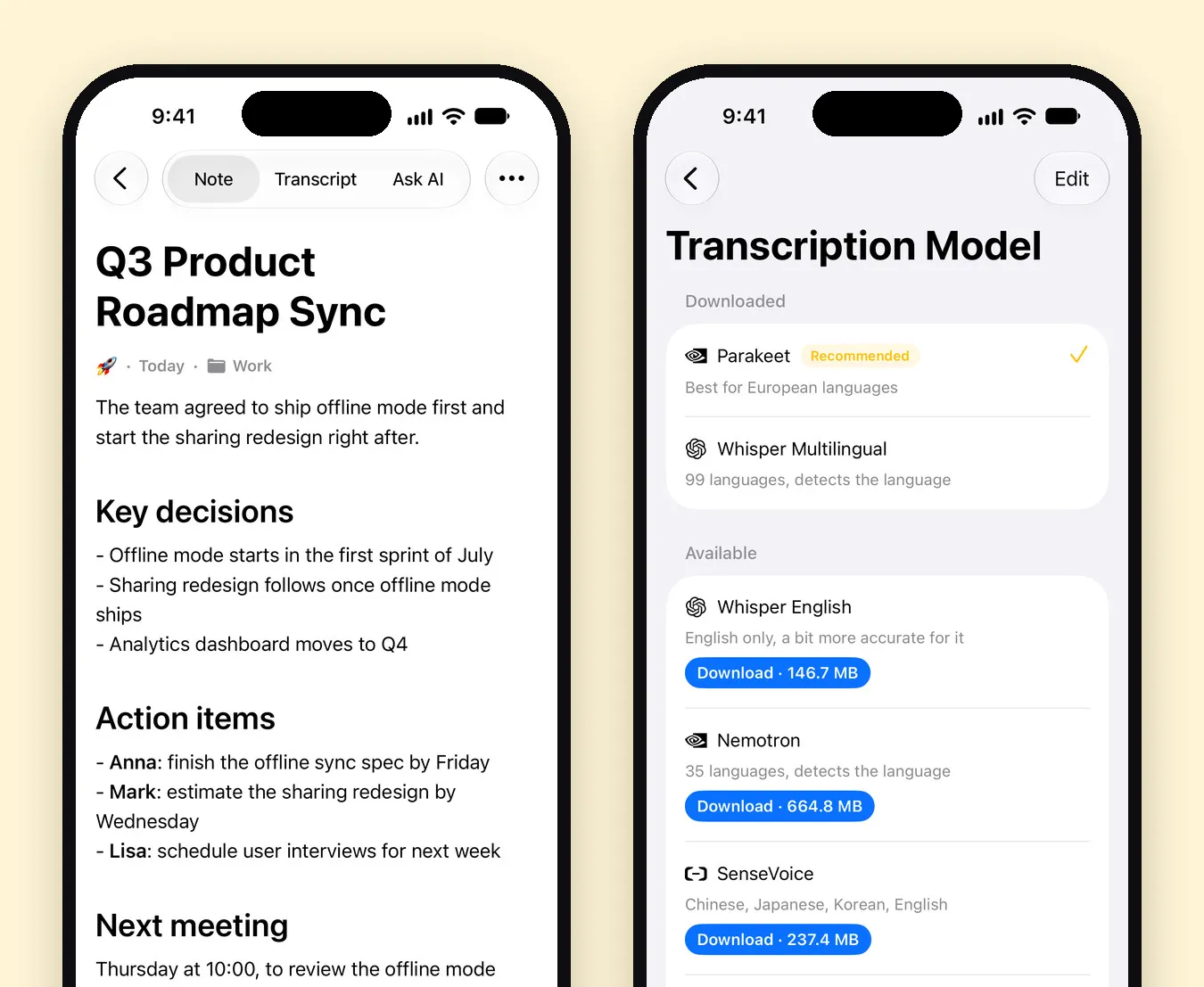
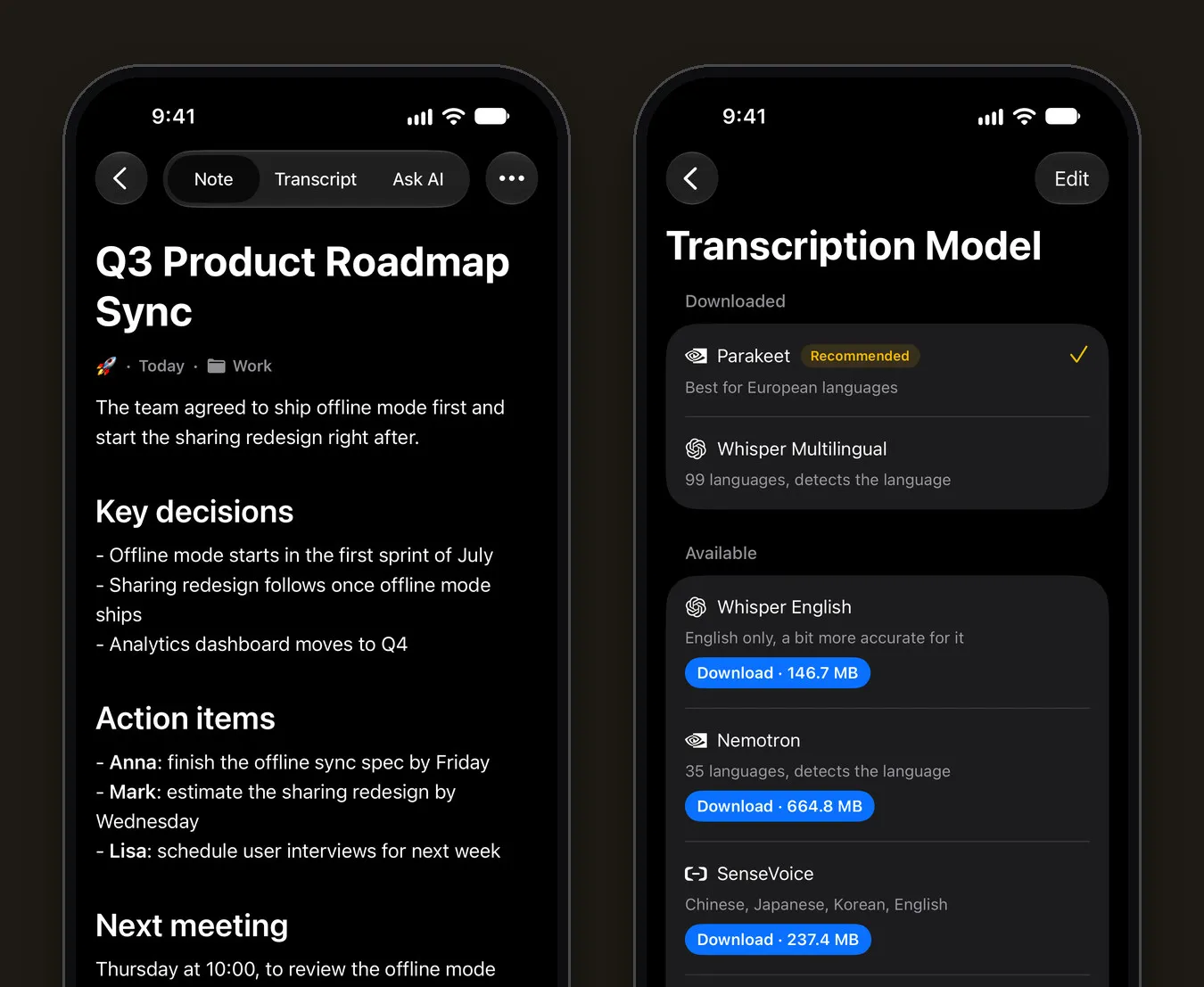
- Many more languages. Whisper covers about 100 and Omnilingual up to 1,600, with a quality mark for each language in the picker. More in Whisper on iPhone.
- No account. Install and record.
- Your choice of AI model for summaries and chat, from four providers.
- Files you already have. Import voice memos, MP3s and videos as easily as you record.
Other Otter alternatives worth a look
| App | Why consider it | Check first |
|---|---|---|
| Fireflies | Meeting bot plus an iPhone app for in-person recording, speaker labels | Transcript downloads need a paid plan |
| Notta | Bot or bot-free recording, 58 languages, SRT and DOCX export | Free plan is 3 minutes per conversation |
| Granola | Bot-free desktop meeting notes; iPhone for in-person meetings | Cloud processing; can’t transcribe virtual calls on mobile |
| Plaud | A dedicated hardware recorder | Cloud processing; the device is a separate purchase |
| Apple Voice Memos + Notes | Free and built in on iPhone 12 and later | 10 languages; no meeting bot |
All as stated on each vendor’s pages, 13 November 2026.
How to move from Otter to Mangonote
- Export audio from Otter. Otter’s free plan exports MP3 and TXT.
- Save the MP3s to Files on your iPhone, in one folder.
- Import into Mangonote with + › Audio, one file at a time. Each is transcribed on the iPhone.
- Organize and summarize. Put them in folders like Work or Interviews, and pick a summary style in Settings › Transcription & AI.
Our audio file guide has the details, including how to get files from Mail, AirDrop and cloud drives into Files.
Related guides
- Best AI note taker apps for iPhone, compared
- How to record a meeting and get AI meeting notes
- Voice recorder apps with transcription for iPhone
- Plaud Note Alternative: Use the iPhone You Already Have
Frequently asked questions
What is the best Otter.ai alternative for iPhone?
For online meetings with a bot, Fireflies and Notta are the closest alternatives. For bot-free desktop meetings, Granola. For private, on-device transcription of in-person recordings and files on iPhone, without an account, Mangonote.
Does Otter work offline?
Otter's pricing and App Store pages don't say where transcription happens. Mangonote transcribes on the iPhone, so recording and transcription work fully offline.
Does Mangonote join Zoom calls like Otter?
No. Mangonote doesn't send a bot to calls. It records through the iPhone microphone, or you import the call recording afterwards.
Is Mangonote cheaper than Otter?
Both are free to start. Otter Pro is $16.99 a month or $99.99 a year in the US App Store as of November 2026. Mangonote Plus is a subscription with prices shown in the App Store in your currency.
Can I move my Otter recordings to Mangonote?
Yes. Export the audio from Otter as MP3, save it to the Files app, and import it into Mangonote with + › Audio.
Start capturing the thoughts you keep losing
Download Mangonote, record your first note, and watch it become searchable text in seconds, right on your iPhone.