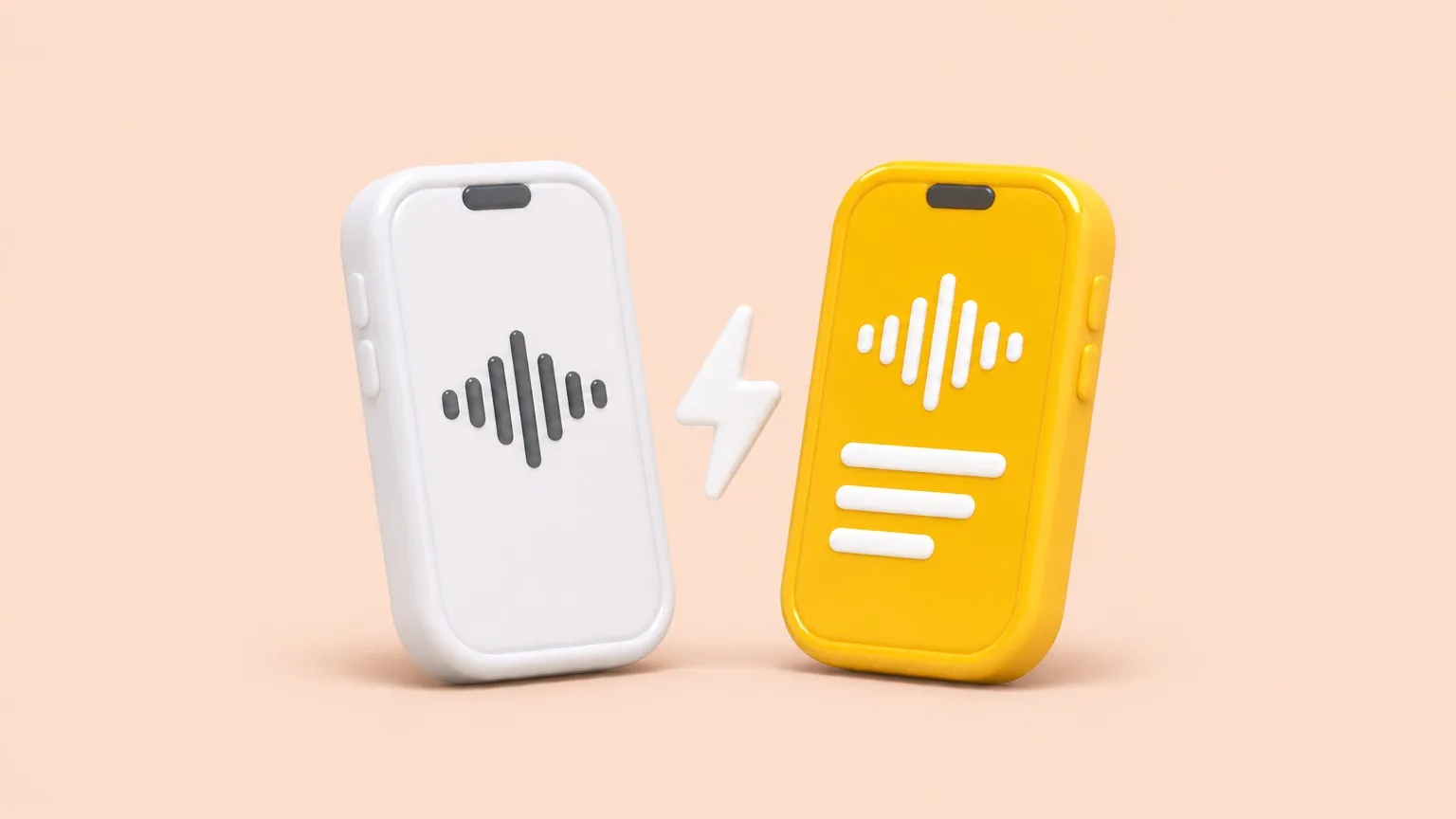
Use Apple Voice Memos if you want a free, built-in recorder and you mainly read back your own memos in one of its 10 transcript languages. Use Mangonote when recordings turn into work: it transcribes on the iPhone in about 100 languages (up to 1,600 with Omnilingual), writes AI summaries and action items in the style you pick, answers questions with Ask AI, and exports text, PDF or Markdown. Many people use both: record in Voice Memos, import the ones that matter into Mangonote.
We make Mangonote. Apple facts come from Apple’s Voice Memos transcription guide, as of November 2026.
Side by side
| Voice Memos | Mangonote | |
|---|---|---|
| Price | Free, built in | Free to start; Mangonote Plus removes the limits |
| Devices | iPhone, iPad, Mac, Apple Watch | iPhone |
| Transcripts | iPhone 12 or later, 10 languages, not in every region | iOS 18 or later, about 100 languages (Whisper), up to 1,600 (Omnilingual) |
| Live transcript while recording | Yes | No; transcribed when you stop |
| Edit the transcript | View, copy, search | Edit line by line, search |
| Summaries | With Apple Intelligence (iPhone 15 Pro and later) | Styles, five sizes, your own prompts, choice of AI model |
| Ask questions about a recording | Not in Voice Memos | Ask AI |
| Bring in other audio and video files | Not covered in Apple’s guide | Yes: audio files and videos |
| Organize | Folders | Folders, emoji and colors, search across transcripts |
| Export | Share audio, copy transcript | Text, PDF, audio, all notes as Markdown |
Where Voice Memos wins
- It’s free and already there. No setup, no plans, no limits beyond your storage.
- Live transcript. You can watch the words appear while you record.
- Every Apple device. Record on your Watch or Mac and it syncs.
- Simplicity. One tap to record; nothing else to decide.
If that’s all you need, stick with Voice Memos. Our guide shows how to view and copy its transcripts.
Where Mangonote wins
- More languages, each with a quality mark so you can pick the best model.
- Notes, not just transcripts. A title, a summary, key decisions and action items, in a format you choose: lecture notes, meeting minutes, your own prompt.
- Ask AI. “What did we decide?”, “Make flashcards”, “Draft the follow-up email.”
- Files you didn’t record in it. Import call recordings, Zoom downloads, lecture videos.
- Out of the app. Export everything as Markdown for Notion or Obsidian.
- Private by design. Transcription runs on the iPhone; AI is optional and gets only text, after you agree.
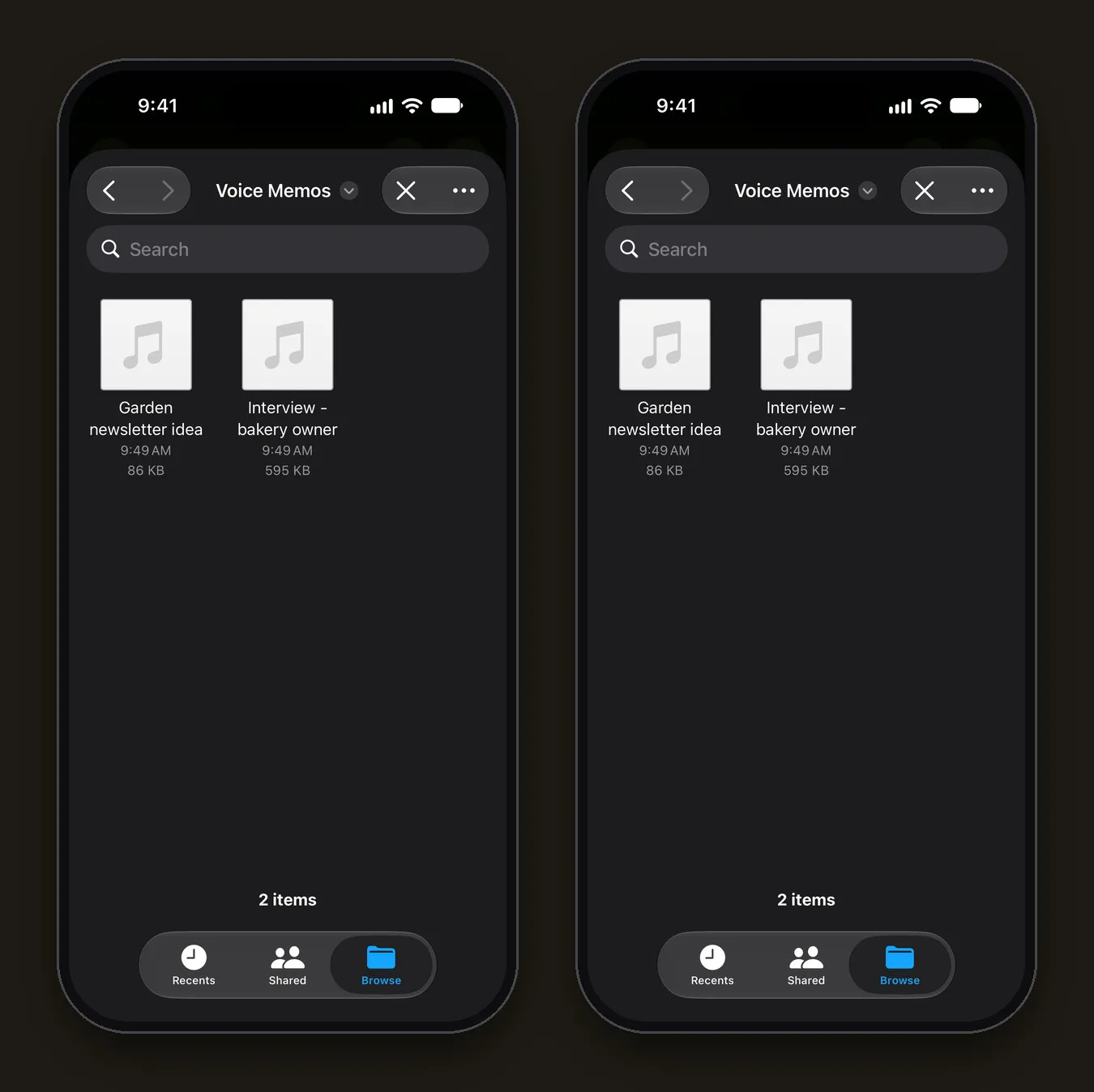
Using both together
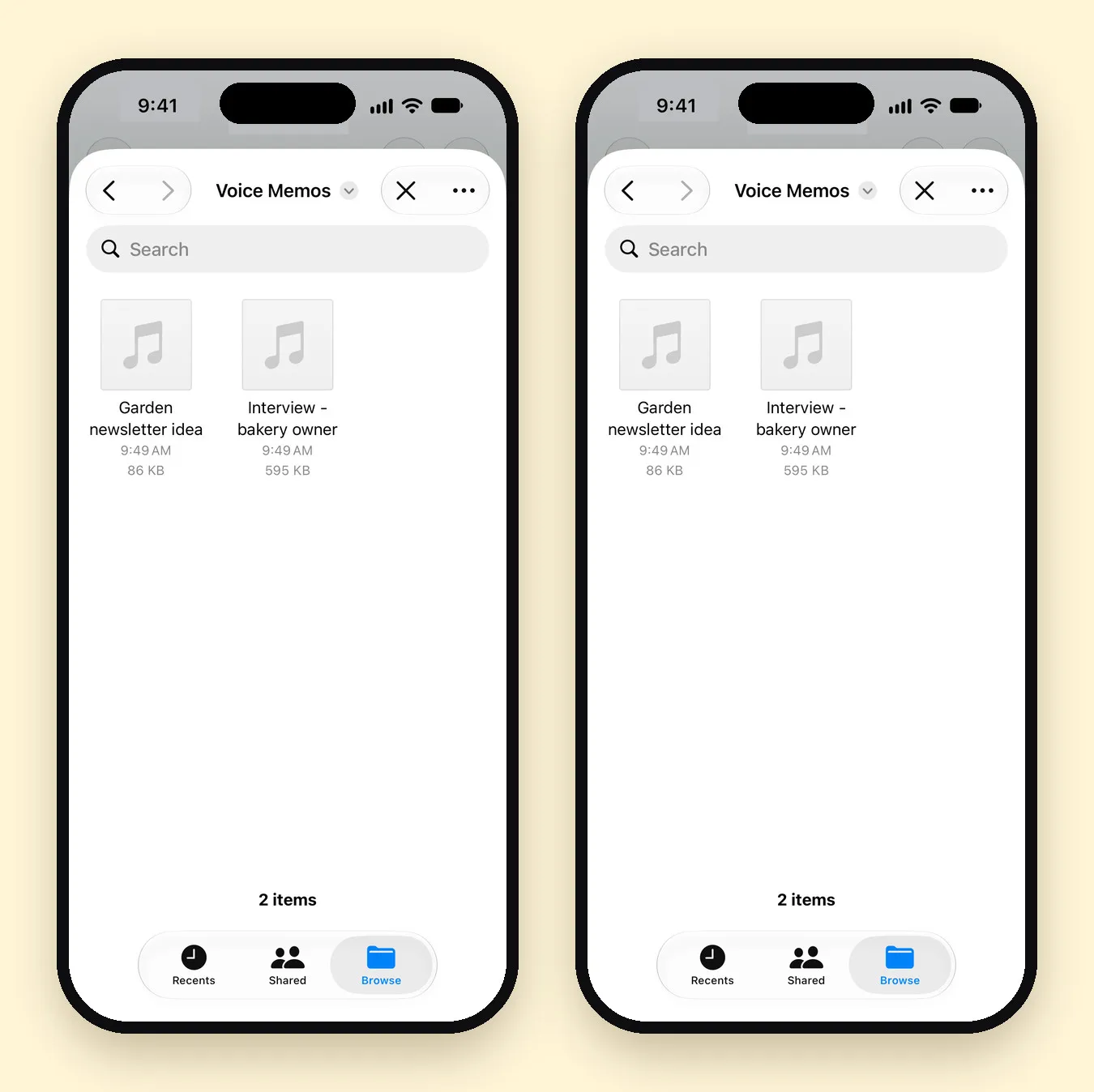
- Record in Voice Memos like you always do.
- For a memo you want to work with, tap it, then More (•••) › Share › Save to Files.
- In Mangonote, tap + › Audio and pick it. It’s transcribed on your iPhone, and AI can summarize it.
Which should you choose?
- Quick personal memos in a supported language: Voice Memos.
- Lectures, meetings, interviews and long voice notes you’ll act on: Mangonote.
- Recordings in a language Voice Memos doesn’t transcribe: Mangonote.
- Recording from an Apple Watch: Voice Memos (or Just Press Record), then import into Mangonote.
Related guides
- How to transcribe voice memos on iPhone
- Voice recorder apps with transcription for iPhone
- Best AI note taker apps for iPhone, compared
Frequently asked questions
Is Apple Voice Memos good enough?
For recording and reading back your own memos in a supported language, yes. It's free, built in, and shows transcripts on iPhone 12 and later. It's less suited to long recordings you want to summarize, organize by project, ask questions about or export as text.
Can I use Voice Memos and Mangonote together?
Yes. Record in Voice Memos as usual, then save the memo to Files and import it into Mangonote when you want a summary, action items or a searchable note.
Which one works in more languages?
Voice Memos transcribes 10 languages. Mangonote transcribes about 100 languages with Whisper and up to 1,600 with Omnilingual, on the iPhone.
Does Voice Memos summarize recordings?
On iPhones with Apple Intelligence (iPhone 15 Pro and later), you can summarize a transcript with Writing Tools. Mangonote's summaries work on any iPhone it supports, with styles, sizes, your own prompts and a choice of AI model.
Is Mangonote free?
It's free to start with daily limits, including 5 Ask AI messages a day. Mangonote Plus removes the limits.
Start capturing the thoughts you keep losing
Download Mangonote, record your first note, and watch it become searchable text in seconds, right on your iPhone.