
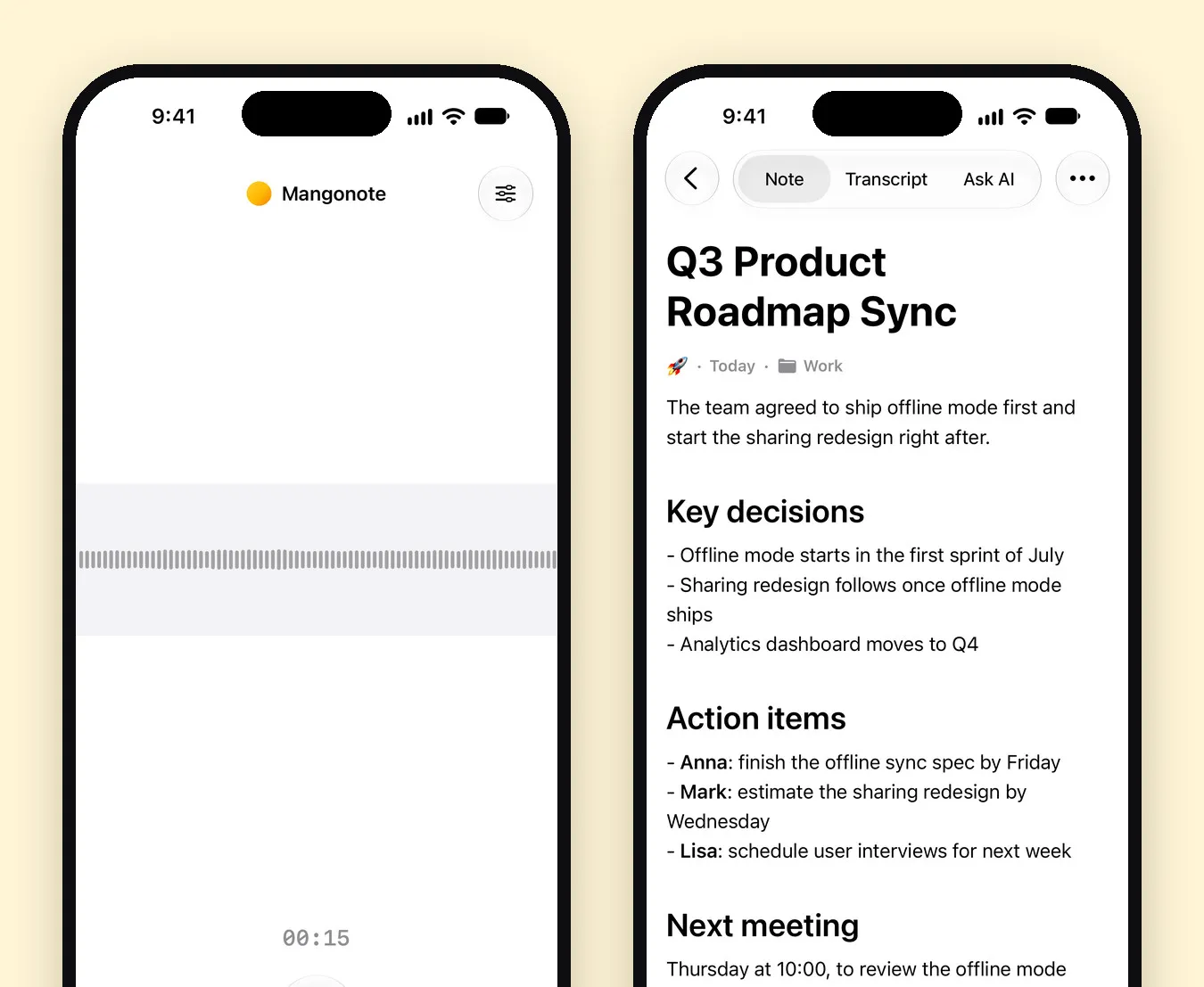
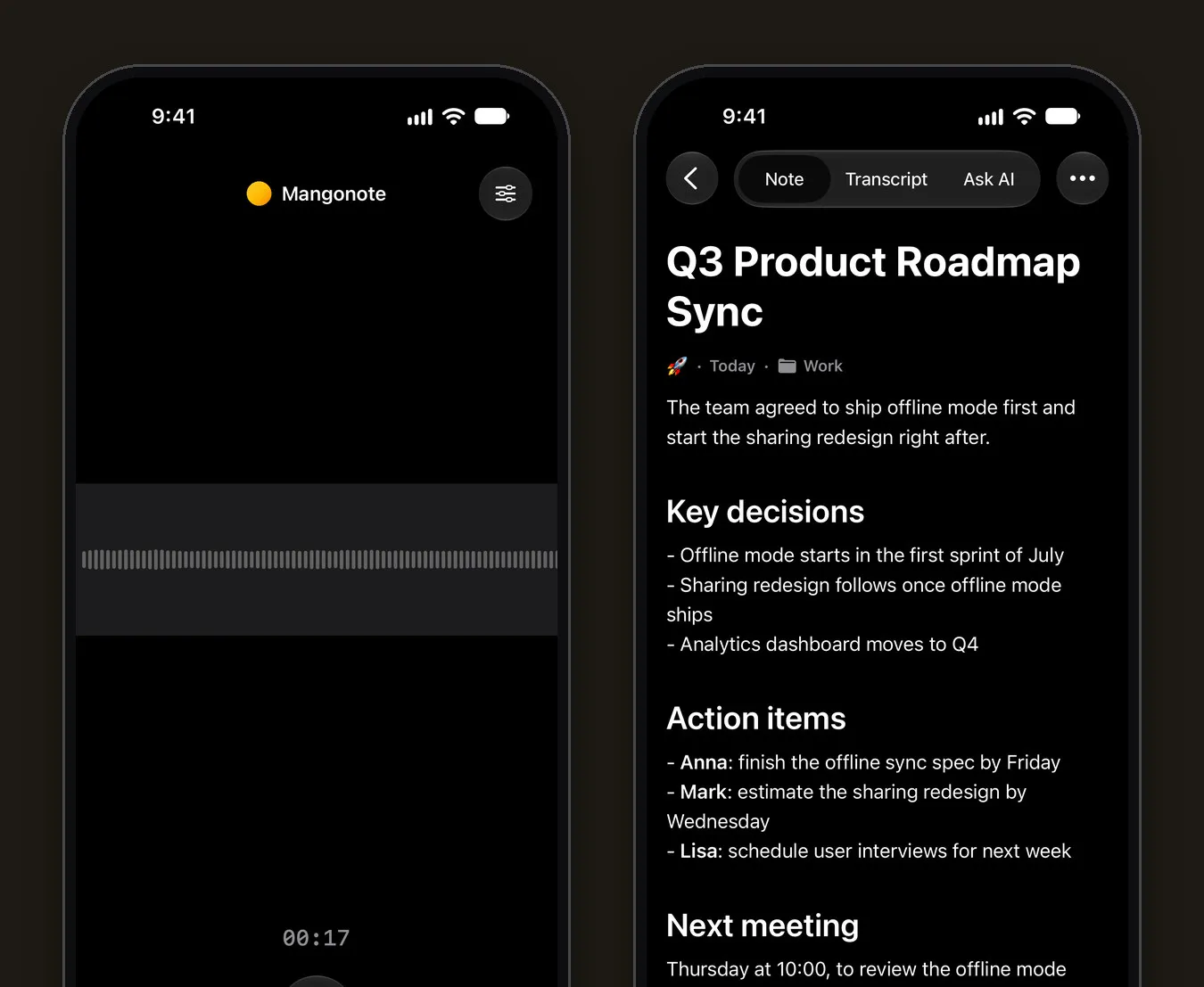
Fireflies.ai is built around a notetaker bot that joins Zoom, Google Meet and Microsoft Teams calls. If your meetings happen in a room, or you’d rather not invite a bot or upload the audio, a Fireflies alternative like Mangonote records on your iPhone, transcribes on the device (even offline), and writes AI meeting notes with key decisions and action items, with no account. For online meetings across a team, Fireflies is still the stronger tool. Here’s how to choose.
We make Mangonote. Fireflies facts come from Fireflies’ own pricing page, help center and App Store listing, as of 13 November 2026.
Fireflies vs. Mangonote at a glance
| Fireflies.ai | Mangonote | |
|---|---|---|
| Best for | Online meetings across a team | In-person meetings, lectures, interviews, files |
| Joins Zoom, Meet, Teams | Yes, with the Fireflies bot | No; import the call recording |
| iPhone app | Yes: records in person, uploads files | Yes: records in person, imports audio and video |
| Where speech becomes text | Processed by Fireflies after you stop | On the iPhone |
| Works offline | Not stated by Fireflies | Yes, recording and transcription |
| Speaker labels | Yes | No |
| Languages | 100+ | About 100 (Whisper), up to 1,600 (Omnilingual) |
| Free plan | 400 min storage, 20 AI credits, 2-hour recording limit | Free to start, with limits; Mangonote Plus removes them |
| Paid plans | Pro $10/seat/month annual or $18 monthly; Business $19 or $29 | Mangonote Plus (App Store) |
| Export | PDF, DOCX, SRT, CSV, JSON, MD on Pro and up; none on Free | Text, PDF, audio; all notes as Markdown, on every plan |
| Account | Sign in with Gmail, Outlook or a Fireflies account | Not needed |
| AI training | Not on your meeting data, per Fireflies | Audio isn’t uploaded; AI gets only note text, after you agree |
Is Fireflies free?
Yes, with limits. As of November 2026, Fireflies’ pricing page lists “Unlimited transcription”, limited AI summaries, 400 minutes of storage and 20 AI credits on the free plan, with a 2-hour recording limit. The pricing page says the storage is per team; the help center says per seat. The help center also says downloading transcripts, summaries and recordings needs Pro or higher.
Paid plans are per seat: Pro $10 a month billed annually or $18 monthly, Business $19 or $29, and Enterprise $39, annual only.
When Fireflies is the better pick
Be fair to it. Fireflies does a lot that Mangonote doesn’t:
- Online meetings, hands-off. The bot joins your calendar’s Zoom, Meet and Teams calls and transcribes them.
- Who said what. Transcripts have speaker labels.
- Sharing and search across your team’s meetings, on per-seat plans.
- Desktop and phone together, including Fireflies Talk for dictation.
If most of your meetings are video calls and your team wants one shared place for them, stay with Fireflies. Our Otter.ai alternatives post compares the other bot-based tools.
When Mangonote fits better
- Meetings in a room. Put the iPhone in the middle of the table and tap Start Recording. No bot, no calendar access, no one asking who invited the robot. See how to record a meeting and get AI meeting notes.
- Audio that stays on the iPhone. Speech is transcribed on the device; AI summaries get only the transcript text, after you agree, and AI can be turned off. See 7 privacy questions to ask any AI note taker.
- No signal needed. Recording and transcription work offline.
- Exports on the free plan. Share a note or transcript as text or PDF, or export every note as Markdown.
- No account. Install and record.
Fireflies or Otter?
Both send a bot to Zoom, Meet and Teams calls and both have iPhone apps that record in person. On the free plans, Otter gives 300 minutes a month with up to 30 minutes per conversation (Otter pricing), while Fireflies counts storage and AI credits and keeps downloads for paid plans. If you mostly meet in person, neither bot helps much, and an iPhone app is the simpler choice.
Related guides
- Otter.ai alternatives on iPhone
- Granola AI alternative for iPhone
- How to record a meeting and get AI meeting notes
- Meeting minutes template and how to write minutes fast
Frequently asked questions
What is a good alternative to Fireflies.ai?
For in-person meetings, lectures and interviews recorded on an iPhone, Mangonote transcribes on the device, works offline and needs no account or meeting bot. For a bot that joins Zoom, Meet and Teams calls across a team, Fireflies or Otter fit better.
Is Fireflies.ai free?
Fireflies has a free plan. As of November 2026 its pricing page lists 400 minutes of storage, 20 AI credits and limited AI summaries, and its help center says downloading transcripts requires a paid plan. Pro is $10 a seat a month billed annually or $18 monthly.
Does Fireflies use meeting data to train AI?
Fireflies' pricing page says it does not use your meeting data to train AI models and that its AI vendors are contractually barred from training on it.
Can Fireflies record in-person meetings on iPhone?
Yes. The Fireflies iPhone app records in-person meetings and uploads files. Fireflies processes the audio after you stop; its pages don't say the app transcribes offline.
Can Mangonote join Zoom or Teams calls?
No. Mangonote doesn't send a bot to calls. Record the call with another tool and import the audio or video file, or record a meeting room through the iPhone's microphones.
Start capturing the thoughts you keep losing
Download Mangonote, record your first note, and watch it become searchable text in seconds, right on your iPhone.