Granola is at its best on a Mac or Windows laptop, where it listens to your video calls without a bot and turns your rough notes into clean ones. On the iPhone it handles in-person meetings and outbound calls, with transcription in the cloud. If you want a Granola alternative that works offline on the iPhone, keeps the audio on the device and covers more languages, Mangonote records, transcribes on the device and writes AI meeting notes, with no account. Here’s a fair look at both.
We make Mangonote. Granola facts come from Granola’s own pricing page, help center and App Store listing, as of 13 November 2026.
Does Granola work on iPhone?
Yes. Granola’s iPhone app records from the phone’s microphone, so it can take notes in in-person meetings, and it can take notes on outbound phone calls placed through Granola over Wi-Fi or mobile data. Inbound calls aren’t supported. Its help center says phones don’t let apps capture other apps’ audio, so it can’t transcribe video calls on mobile. Transcripts label speakers as Speaker A, Speaker B and so on.
Audio goes to Granola’s transcription provider in the cloud and is deleted once transcription finishes, per Granola. Its help center says notes need Wi-Fi or mobile data to generate; offline recording is documented only for the Apple Watch.
Granola vs. Mangonote at a glance
| Granola | Mangonote | |
|---|---|---|
| Best for | Video calls on a computer, plus in-person notes on mobile | In-person meetings, lectures, interviews, files |
| Video calls | Desktop app listens without a bot | Import the call recording |
| Where speech becomes text | Cloud transcription provider | On the iPhone |
| Works offline on iPhone | Not documented (Apple Watch records offline) | Yes, recording and transcription |
| Speaker labels | Yes (Speaker A, B on mobile) | No |
| Languages | 17 on mobile, 31 on desktop | About 100 (Whisper), up to 1,600 (Omnilingual) |
| Free plan | Basic: last 30 days of notes in the app; mobile apps free | Free to start, with limits; Mangonote Plus removes them |
| Paid plans | Business $14/user/month (monthly); Enterprise from $35 | Mangonote Plus (App Store) |
| Export | Copy link, copy notes, email, integrations, CSV of all notes | Text, PDF, audio; all notes as Markdown |
| Account | Sign-in required | Not needed |
| AI training | Anonymized data, opt-out in Settings | Audio isn’t uploaded; AI gets only note text, after you agree |
When Granola is the better pick
Be fair to Granola. It’s very good at what it’s built for:
- Video calls on a laptop, without a bot joining. Mangonote can’t listen to calls.
- AI-enhanced notes: you type a few lines during the meeting and Granola fills in the rest from the transcript.
- Speaker labels and integrations like Slack, Notion and HubSpot (Notion and the rest need Business).
- Free mobile apps: Granola says you don’t need a paid plan to take notes on mobile.
When Mangonote fits better
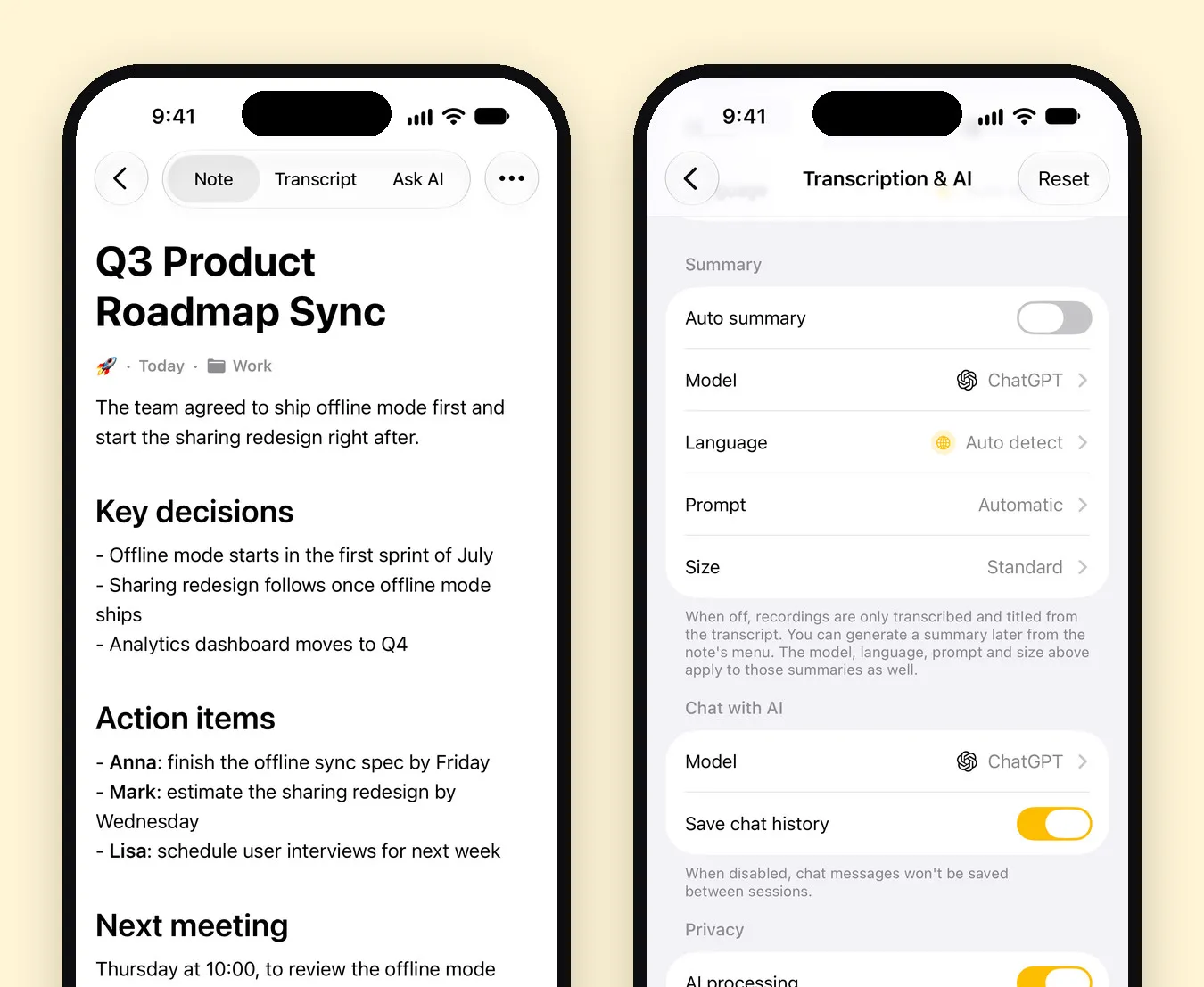
- No connection. Mangonote records and transcribes offline, in basements, on planes and in buildings with bad reception.
- Audio that never leaves the phone. There’s no transcription provider: speech becomes text on the iPhone. AI summaries get only the transcript text, after you agree, and AI can be turned off. See 7 privacy questions to ask any AI note taker.
- Many more languages, with a quality mark per language; set the transcript language yourself or let it auto-detect.
- Lectures and files, not just meetings. Import voice memos, call recordings and videos, and keep them in one library on your iPhone.
- No account.
Related guides
- How to record a meeting and get AI meeting notes
- Fireflies.ai alternative for in-person meetings
- How to record a phone call on iPhone
- Is your AI note taker private? 7 questions to ask
Frequently asked questions
What is a good alternative to Granola?
For in-person meetings, lectures and interviews on an iPhone, Mangonote transcribes on the device, offline, in about 100 languages, with no account. For bot-free notes on video calls from a Mac or Windows computer, Granola is built for that.
Does Granola work on iPhone?
Yes. Granola's iPhone app takes notes in in-person meetings and on outbound phone calls. Granola's help center says phones don't let apps capture audio from other apps, so it can't transcribe video calls on mobile.
How much does Granola cost?
As of November 2026, Granola's Basic plan is free and Business is $14 per user per month, billed monthly. Enterprise starts at $35 per user per month. Granola says its mobile apps are free to use without a paid plan.
Does Granola train AI on my notes?
Granola's pricing page says it trains on anonymized data to improve Granola, that each user can opt out in Settings, and that Enterprise has training off by default. It doesn't let third parties like OpenAI or Anthropic train on your data.
How many languages does Granola support on iPhone?
Granola's help center lists 17 languages on mobile and 31 on desktop, and says the mobile app picks a single language per meeting. Mangonote supports about 100 with Whisper and up to 1,600 with Omnilingual.
Start capturing the thoughts you keep losing
Download Mangonote, record your first note, and watch it become searchable text in seconds, right on your iPhone.